
Maintenance — downtimes, silences, time periods
Northplane has three tools to keep planned work and known noise from paging people:
| Tool | Targets | Typical use | Effect |
|---|---|---|---|
| Downtime | objects (one object id or a label selector), with a time window | patch windows, hardware swaps, recurring backup jobs | marks the objects as “in downtime”: problems are hidden from the Problems view, direct object notifications are skipped, rule-based alert escalations are held |
| Silence | alerts (label selector and/or title regex), with a TTL of at most 90 days | a noisy rule, a known flapping integration, “we know, stop paging” | holds the escalation of matching alerts; does nothing at object level |
| Time period | named weekday/time tables | office hours, night shift, holidays | an input for notification periods, contact channel preferences and on-call restrictions — not a suppression by itself |
Acknowledging an alert is the fourth way to stop paging; it is described in Acknowledge and snooze.
Downtimes
Section titled “Downtimes”Fields
Section titled “Fields”| Field | Required | Meaning |
|---|---|---|
objectId or selector |
one of them | the object, or every object matching the label selector (re-evaluated on every depth refresh, so objects created later are covered too) |
type |
no | fixed (default) or flexible |
start, end |
yes | RFC 3339; end must be after start |
duration |
flexible only | how long the downtime lasts once triggered ("2h", "45m" or seconds) |
rrule |
no | RRULE subset for recurrence, see below |
comment |
yes | shown in the UI and in audit |
Server-filled: id, createdBy (the principal’s name), startedAt (flexible: trigger time), triggeredBy (reserved for chains, not set by the API), createdAt, version.
Fixed downtimes are active in [start, end). Flexible downtimes wait: when an object in scope is in a non-OK state (soft or hard) at any moment inside [start, end], the janitor — which checks every 30 s — sets startedAt and the downtime then lasts duration from that moment. A flexible downtime whose window passes without a problem never activates.
A host downtime cascades to all services of the host. The per-object counter downtimeDepth (visible in the object’s state) counts how many active downtimes cover it.
Recurring downtimes (RRULE)
Section titled “Recurring downtimes (RRULE)”rrule accepts a subset of RFC 5545: FREQ=HOURLY|DAILY|WEEKLY|MONTHLY, INTERVAL=n, BYDAY=MO,TU,… (weekly; ordinal prefixes such as 1MO are reduced to the weekday), BYMONTHDAY=n (monthly), COUNT=n, UNTIL=20261231T235959Z (also 20261231T235959 or 20261231). The [start, end] window is the first occurrence and fixes the clock time and length; every later occurrence is that window shifted onto the rule. Everything is evaluated in UTC (no DST shifts). BYHOUR/BYMINUTE are accepted but ignored; a rule without a usable FREQ falls back to the literal first window.
Creating downtimes
Section titled “Creating downtimes”UI — Maintenance (Wartung) → Downtimes → Create (Anlegen): target radio Object (searchable picker) / Selector, type fixed/flexible (+ duration), From/To, optional RRULE (free text, e.g. FREQ=WEEKLY;BYDAY=SA), comment. Shortcuts: the Downtime button on the object detail page and on Problems rows creates a fixed downtime starting now for n hours (default 2, steps of 0.5) with a comment. The Downtimes tab lists all downtimes (target, type, window, RRULE, comment) with a delete button.
API — POST /api/v1/downtimes (permission downtimes:write) returns 201 with the stored downtime. It honours an Idempotency-Key header: the same key with the same body replays the first response (Idempotency-Replayed: true), the same key with a different body is 409 np:conflict/idempotency; keys are kept 24 h.
NP=https://np.example.comTOK=np_…# fixed window for all prod databases, safe to re-run from croncurl -s -X POST "$NP/api/v1/downtimes" -H "Authorization: Bearer $TOK" -H 'Content-Type: application/json' \  -H 'Idempotency-Key: db-backup-2026-08-30' \  -d '{"selector":"env=prod,role=db","type":"fixed","start":"2026-08-30T22:00:00Z","end":"2026-08-31T00:00:00Z","comment":"weekly backup window"}'
# flexible: 2 h starting at the first problem between 22:00 and 02:00curl -s -X POST "$NP/api/v1/downtimes" -H "Authorization: Bearer $TOK" -H 'Content-Type: application/json' \  -d '{"objectId":"'$HOST'","type":"flexible","start":"2026-08-30T22:00:00Z","end":"2026-08-31T02:00:00Z","duration":"2h","comment":"kernel upgrade + reboot"}'
curl -s "$NP/api/v1/downtimes?active=true" -H "Authorization: Bearer $TOK"   # objects:read; active = end in the futurecurl -s -X DELETE "$NP/api/v1/downtimes/$ID" -H "Authorization: Bearer $TOK"   # 204, ends the downtime now
Validation errors are 422 with codes np:validation/target, /selector, /comment, /window. Listing returns at most 1000 entries, newest start first. Reference: post_downtimes.
CLI — np downtime --object <id>|--selector 'k=v' [--hours 2] -m "comment" creates a fixed downtime from now (see np CLI); np get downtimes lists the active ones. The AI agent’s create_downtime tool is capped at 4 hours (AI agent chat).
Creating a downtime emits a downtime event (severity info) and the audit entry downtime.create; deleting one writes downtime.delete to the audit log. Downtimes are not part of bundles.
Silences
Section titled “Silences”Fields
Section titled “Fields”| Field | Required | Meaning |
|---|---|---|
selector |
one of selector / textRegex |
label selector matched against the alert’s labels (event labels plus the rule’s setLabels); empty = every alert |
textRegex |
one of selector / selector |
Go regular expression matched against the alert title |
comment |
— (the UI requires it) | why |
startsAt |
no | default now |
expiresAt |
yes | at most 90 days in the future — there are no eternal silences |
The regex and the selector are validated on create (422 np:validation/textRegex / /selector); a missing expiresAt or one beyond 90 days is 422 np:validation/expiresAt; neither selector nor regex is 422 np:validation/match.
Creating silences
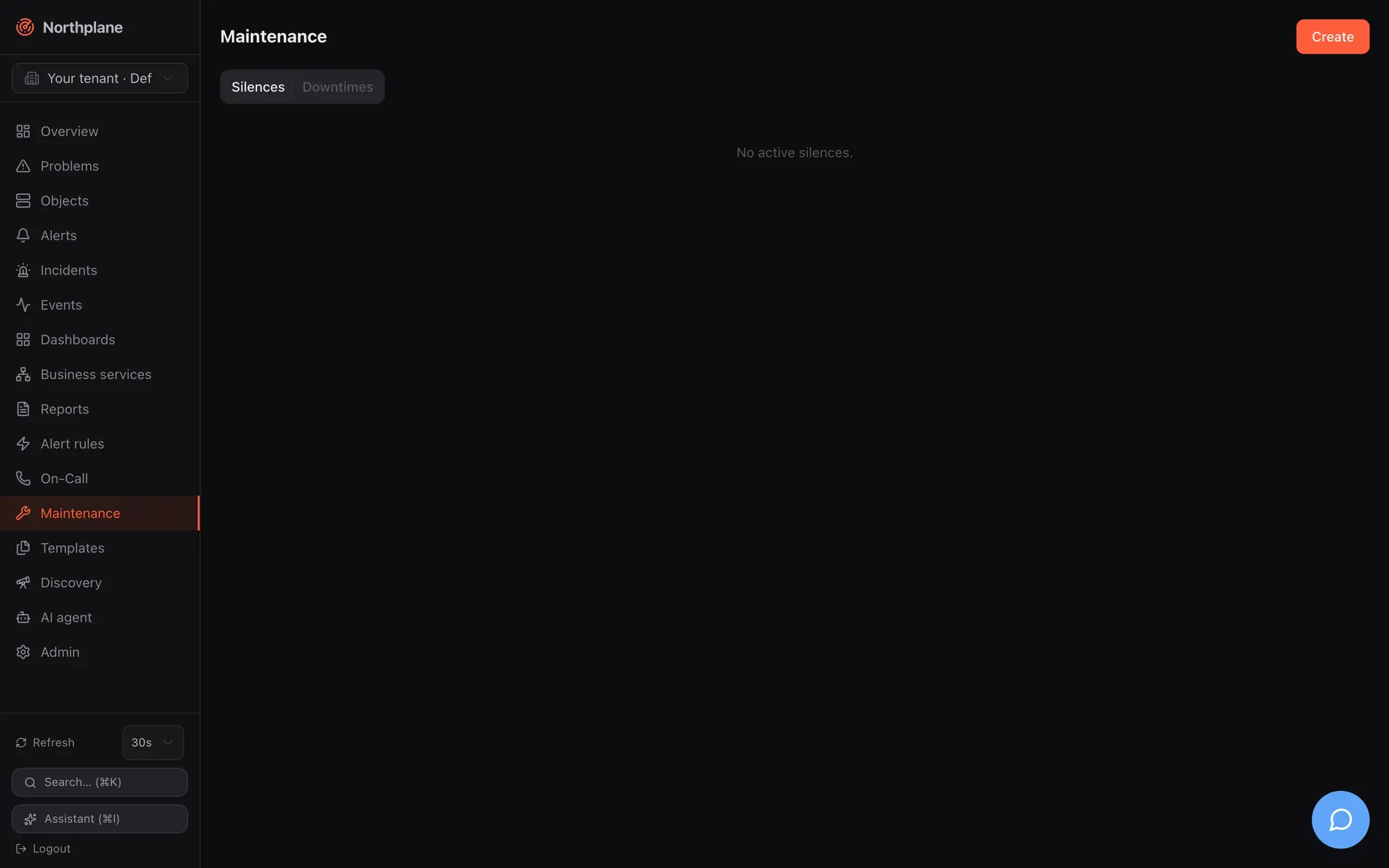
Section titled “Creating silences”UI — Maintenance (Wartung) → Silences → Create: selector (env=prod), text regex (disk.*full), comment, expiry via quick buttons 1h / 4h / 24h or a date-time picker. The list shows selector, regex, comment, expiry and creator; Delete expires a silence early.
API — POST /api/v1/silences (permission silences:write) → 201; GET /api/v1/silences?active=true (objects:read, active = not yet expired, up to 1000, latest expiry first); DELETE /api/v1/silences/{id} (silences:write, 204). Reference: post_silences.
curl -s -X POST "$NP/api/v1/silences" -H "Authorization: Bearer $TOK" -H 'Content-Type: application/json' \ -d '{"selector":"env=staging","textRegex":"(?i)disk.*full","comment":"staging disks being resized","expiresAt":"2026-08-24T18:00:00Z"}'CLI — np silence --selector 'k=v' [--hours 2] -m "comment" (selector required); np get silences. The AI tool create_silence does the same.
Creating a silence emits a silence event and the audit entry silence.create. Silences are not part of bundles.
Time periods
Section titled “Time periods”A time period is a named weekly table with date exceptions. Resource kind time-period, API /api/v1/time-periods (generic CRUD: objects:read / config:write, If-Match on PUT), bundle kind TimePeriod, UI Templates → Time periods (Zeiträume) — see Templates.
kind: TimePeriodmetadata: {name: office}spec: alias: Office hours days: monday: ["08:00-18:00"] tuesday: ["08:00-18:00"] wednesday: ["08:00-18:00"] thursday: ["08:00-18:00"] friday: ["08:00-12:00", "13:00-17:00"] saturday: ["19:00-07:00"] # wraps midnight: Saturday ≥ 19:00 or < 07:00 exceptions: "2026-12-24": ["00:00-00:00"] # closed all day "2026-12-31": ["08:00-12:00"] exclude: [holidays] # accepted, but not applied — see belowFormat rules:
| Rule | Detail |
|---|---|
| Day keys | monday … sunday; a missing day = closed |
| Ranges | HH:MM-HH:MM; several per day; end 00:00 means midnight (24:00); end ≤ start wraps past midnight |
00:00-00:00 |
closed (used in exceptions to block a day) |
exceptions |
exact dates YYYY-MM-DD that replace the weekday entry for that date |
24x7 |
well-known name that always matches; a period without days and exceptions also always matches |
exclude |
stored and shown in the UI, but no evaluator subtracts excluded periods in this version |
Time zone semantics — a time period has no zone of its own; it is evaluated against the clock of whoever consults it:
| Consumer | Evaluated in |
|---|---|
Contact channel preferences (preferences[].period) |
the contact’s timeZone (built-in names worktime/arbeitszeit = Mon–Fri 08:00–17:59 and night/nacht = the inverse also exist) — see Contacts and on-call |
On-call rotation restriction |
the schedule’s timeZone |
Object notificationPeriod (direct object notifications) |
UTC — write the ranges in UTC for this use |
Object checkPeriod |
enforced: outside the period scheduled runs and freshness probes are skipped (the object keeps its last state); manual check-now always runs |
What gets suppressed, and by what
Section titled “What gets suppressed, and by what”| Mechanism | Problems view | Direct object notifications | Rule-based alert escalation |
|---|---|---|---|
Object in downtime (downtimeDepth > 0, incl. cascaded host downtime) |
hidden unless incl. acked/downtime | skipped | held |
| Selector downtime that matches the alert’s labels | — | — | held |
| Silence | shown | sent | held |
| Acknowledged alert | hidden unless incl. acked/downtime | problem notifications skipped (recoveries still sent) | chain stops |
| Object flapping | shown (badge) | sent | held |
| Host hard DOWN / UNREACHABLE (for its services) | — | — | held |
For rule-based alerts the engine evaluates, in this order, when an alert opens: object in downtime → object flapping → host unreachable → (services) host down → host in downtime → selector downtimes → silences. A suppressed alert is still created and visible as open; a notification event with status suppressed and the reason (e.g. object in downtime, silence <id>) is recorded; the escalation chain is not started. Details of the chain are in Escalation policies and Alerts and incidents.
Depth bookkeeping: downtimeDepth is recomputed synchronously when a downtime is created or deleted and every 30 s by the janitor, so a freshly created downtime covers its objects before the API call returns; a selector downtime picks up newly matching objects within 30 s.
Permissions
Section titled “Permissions”| Action | Permission |
|---|---|
| list downtimes / silences | objects:read |
| create / delete downtimes | downtimes:write |
| create / delete silences | silences:write |
| time periods: read / write | objects:read / config:write |
The built-in operator role has downtimes:write and silences:write; viewer has neither.